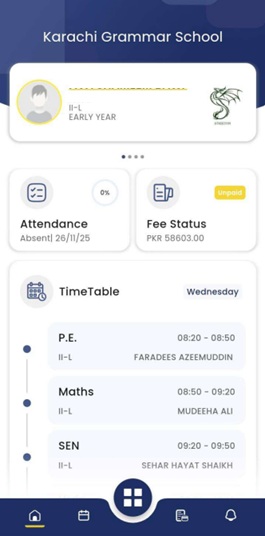
MyKGS – Students/Parent App
Step 1: Download the app from Google Play Store and Apple App Store.
Step 2: Signup using registered school Email i.e. (This refers to the email address you provided at the time of admission. Students may use their KGS assigned email address).
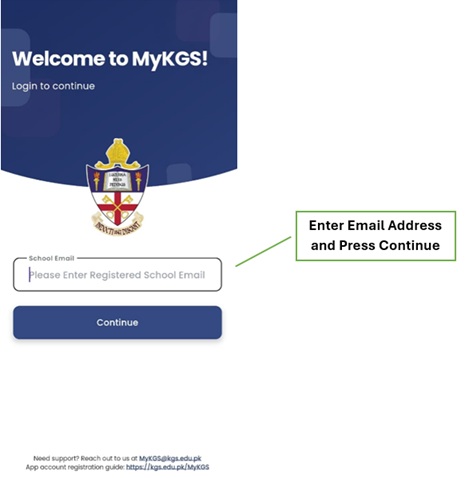
Step 3: You will receive a One-Time Password (OTP) at the email address you entered in Step 2.
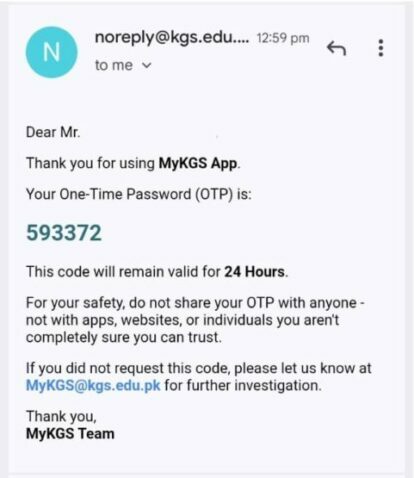
Step 4: Enter the OTP you received in your Email.
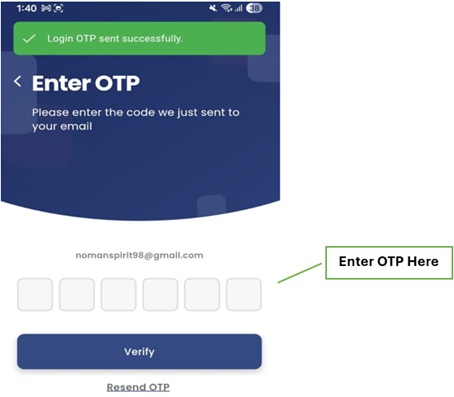
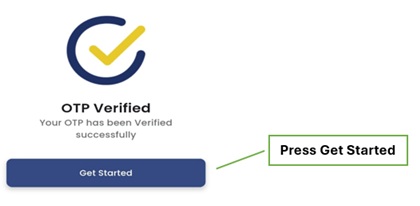
Step 5: You will receive a message OTP Verified Successfully once you entered the correct OTP in Step 4.
Step 6: You will then be redirected to the main home screen of the application